Mouse feel changes from app to app
Scrolling, inertia, and side buttons can feel uneven, especially on third-party mice.
LinguaX starts with Mouse+: smooth scrolling, gesture/button mapping, and app-scoped overrides for third-party mice. It also adds app/domain input automation, so everyday switching feels calmer and more consistent.
Scrolling, inertia, and side buttons can feel uneven, especially on third-party mice.
Middle and side buttons can save time, but many tools make mapping harder than it should be.
After mouse behavior improves, manual input switching is often the next thing that breaks focus.
Smooth scrolling, gesture/button mapping, and per-app overrides are designed for real daily use.
App and domain rules work with your mouse and shortcuts, without forcing you into a complicated setup.
Core behavior runs locally on your Mac. Start with trial and upgrade only if it honestly helps your workflow.
Enable smooth scrolling and map one mouse action you will actually use every day.
Set one app rule and one domain rule to remove the most common typing interruptions.
Use diagnostics and app-scoped overrides only when needed, and keep your setup easy to maintain.
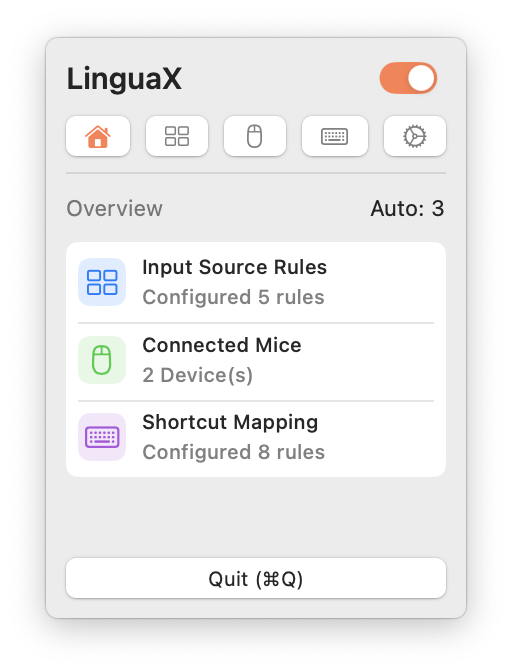
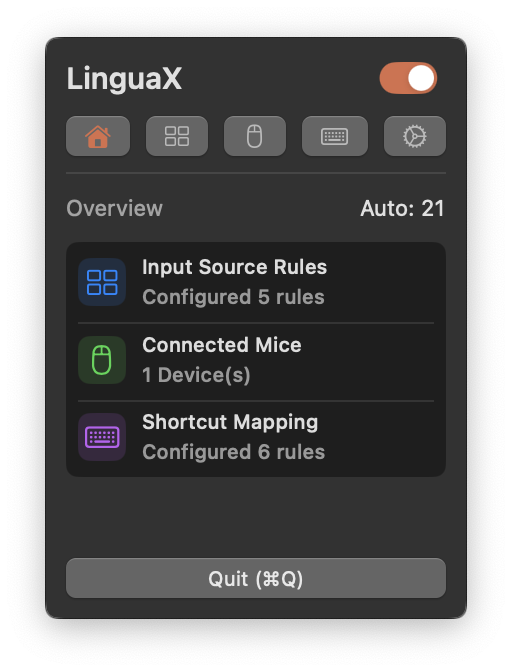
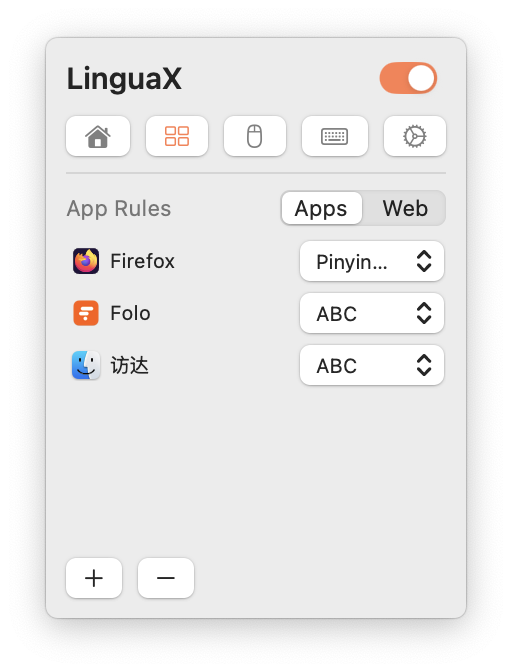
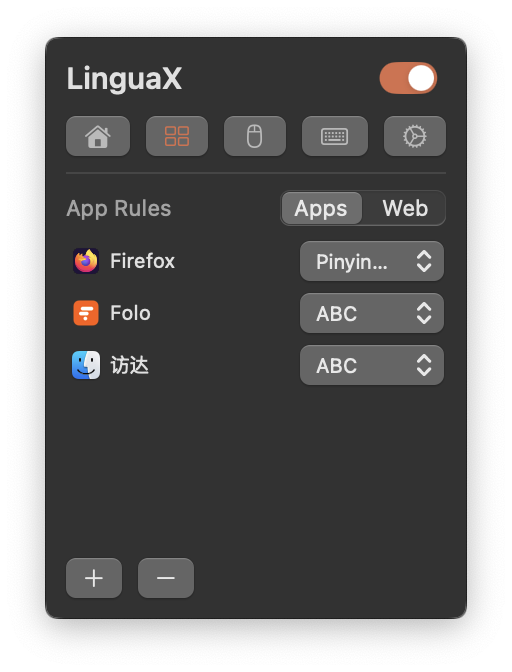

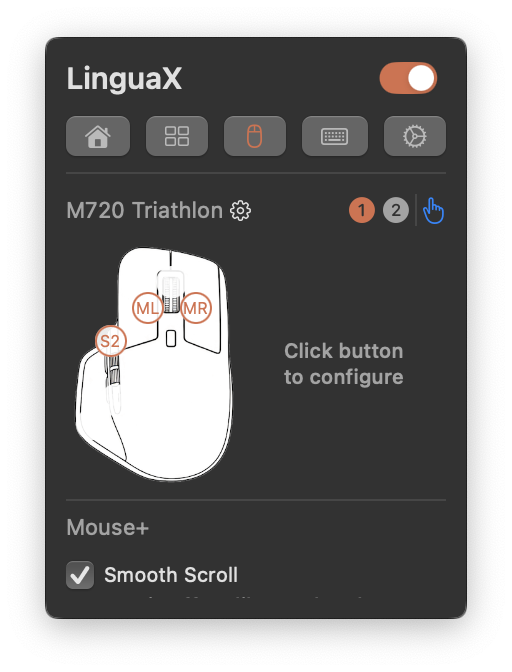

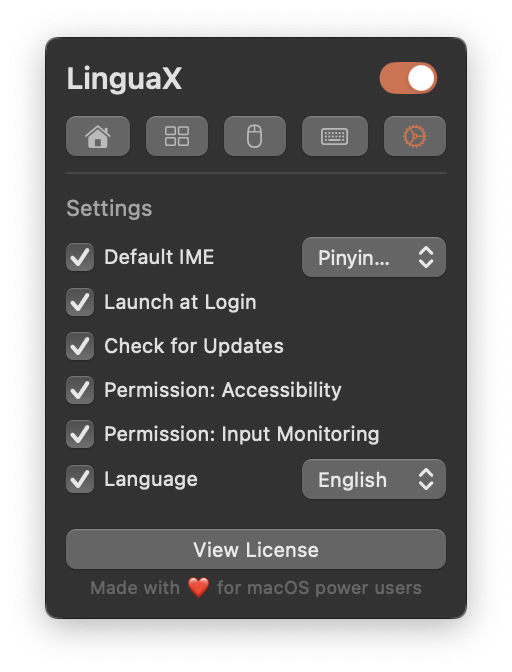
Designed for macOS 13+ on Apple Silicon and Intel, with menu bar style background behavior.
Core automation runs locally. Your rules stay on-device, with optional iCloud sync when available in your environment.
Built-in diagnostics and changelog-driven updates help you debug edge cases and keep long-term stability.
실제 업무에서 30일간 사용해 보세요. 매일 흐름이 더 안정되고 편해진다면 $9.9 일회성 업그레이드를 선택하면 됩니다.
Yes. Mouse+ is the main focus, with smooth scrolling, gesture/button mapping, and app-specific overrides.
Yes. LinguaX also provides app and domain input switching to keep typing aligned with your active context.
You can start with a full-feature trial and upgrade to Lifetime with one-time pricing when ready.
Usually no. Most users can get a useful first setup in a few minutes and refine later if needed.